Contract Hunters
A dark sci-fi tactical FPS set in a hostile future. Take on dangerous contracts, explore abandoned facilities, fight hostile forces, and uncover the mystery behind the alien artifacts.
Windows 10/11 • 64-bit • No install required
Linux x64 • Self-contained • No install required
iPhone • iPad • iOS 16+ • Free download
Windows & Linux — How to Play
- Download and extract the ZIP file.
- Windows: run CH.exe.
- Linux: run
chmod +x launch.shthen./launch.sh. - Create an account or log in.
iOS — How to Install
- Open the App Store listing on your iPhone or iPad.
- Tap Get to download Contract Hunters.
- Open the app, create an account or log in, and join a game.
Instruction Booklets
Download the full getting-started guides for setup, controls, and onboarding on each platform.
Windows Manual
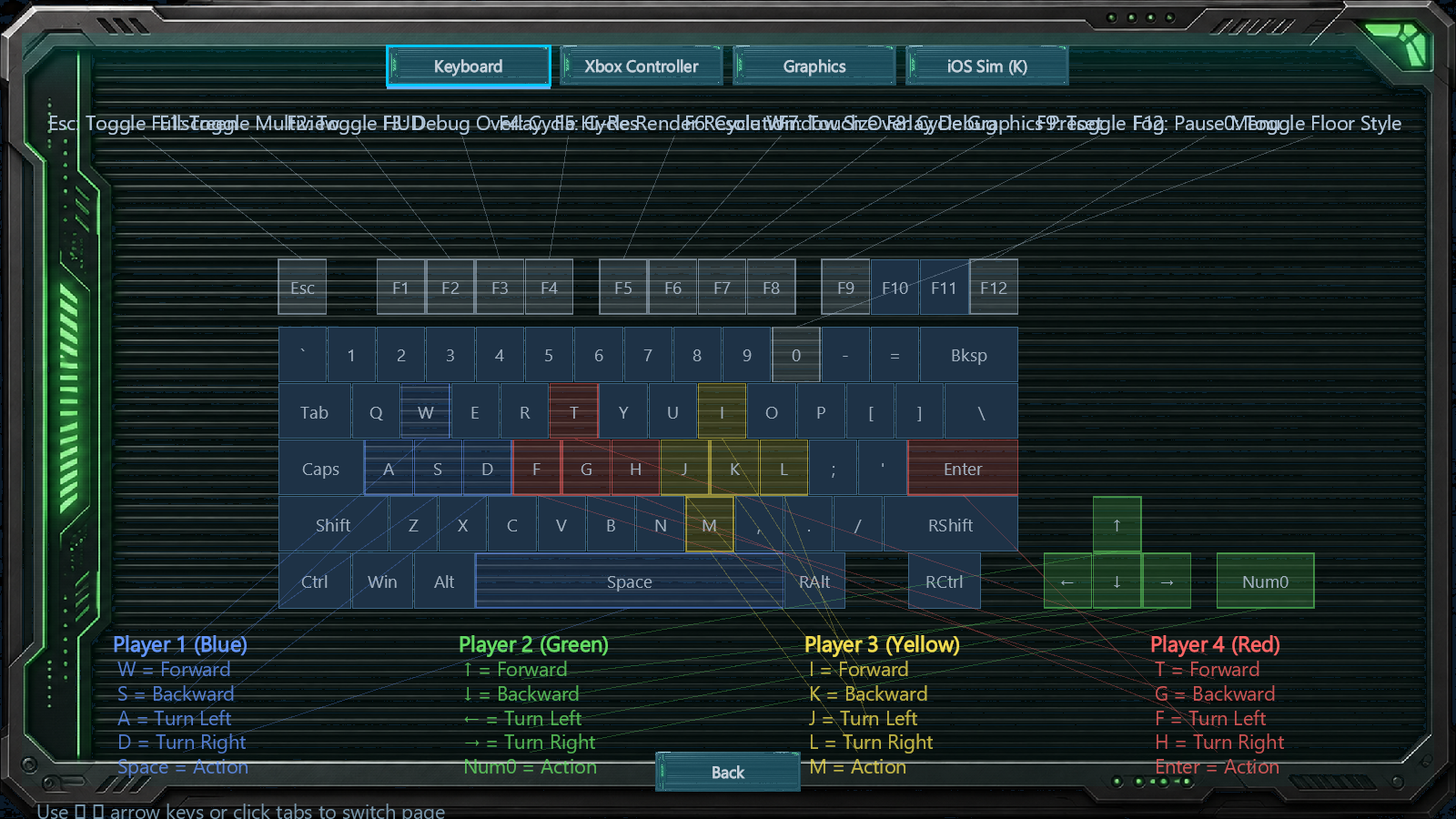
Desktop setup, keyboard and controller controls, and the full play guide for the Windows build.
Open Windows PDFiOS Manual
App Store onboarding, touch controls, and mobile-specific play guidance for iPhone and iPad.
Open iOS PDFScreenshots
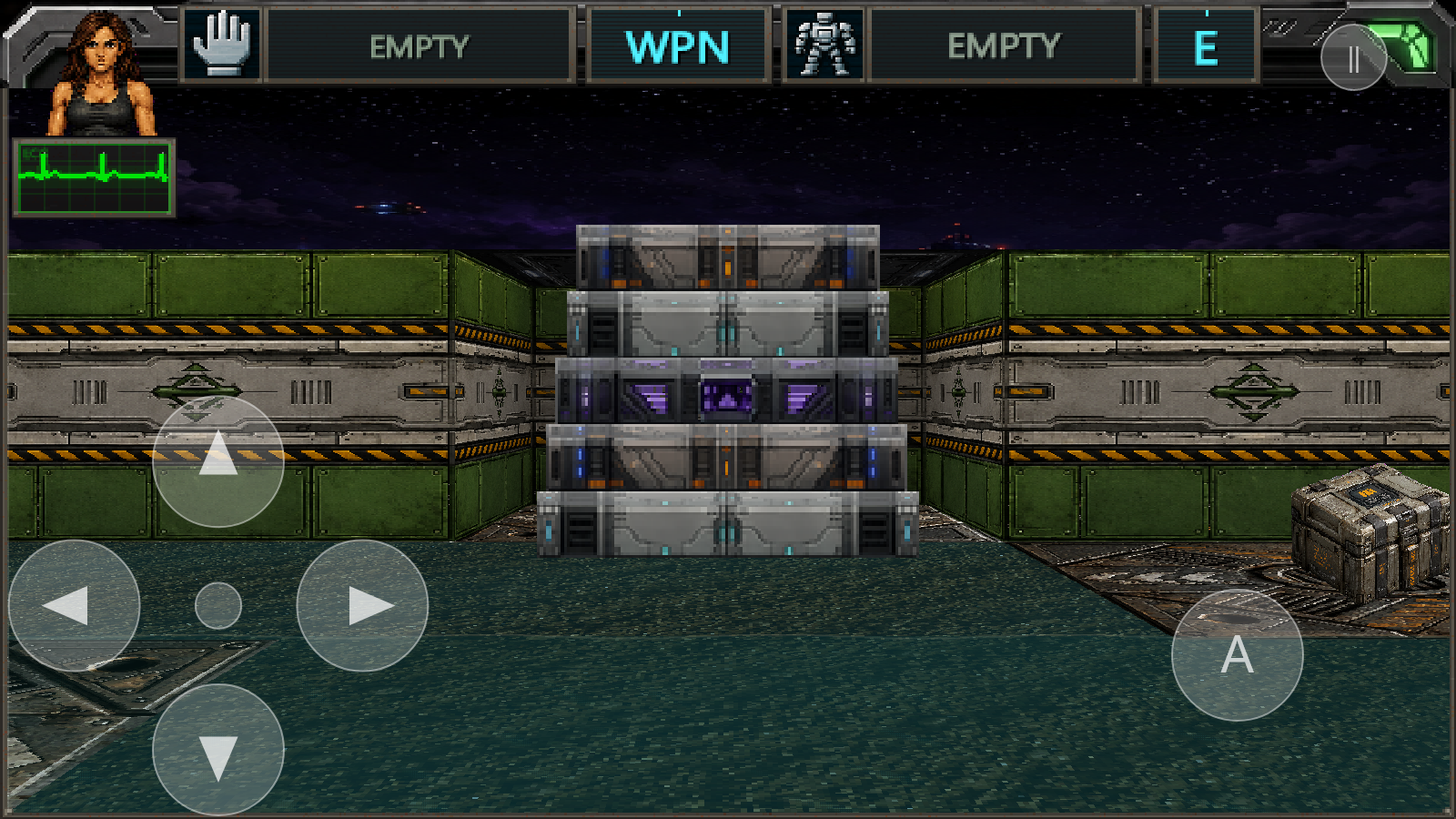
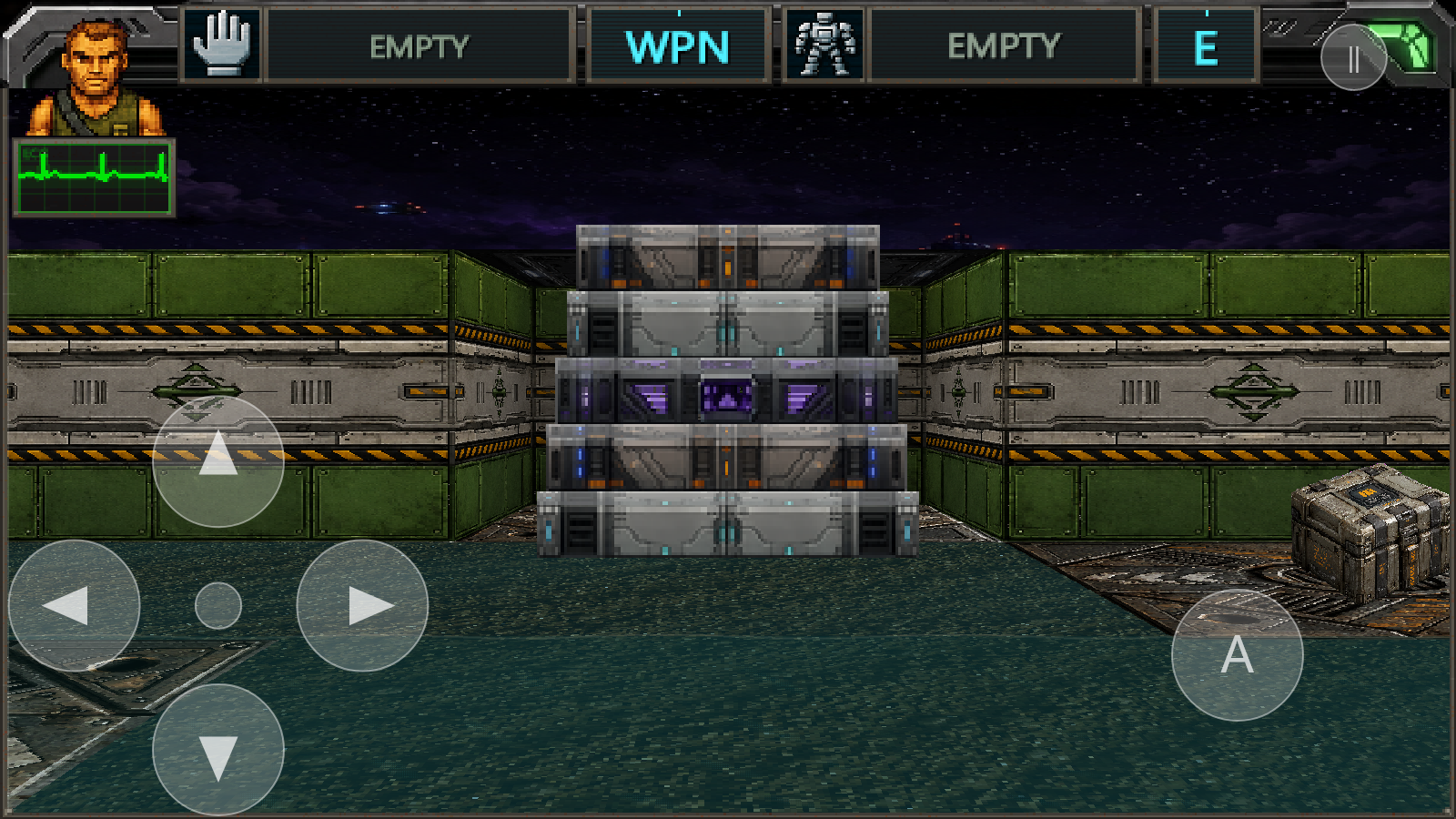
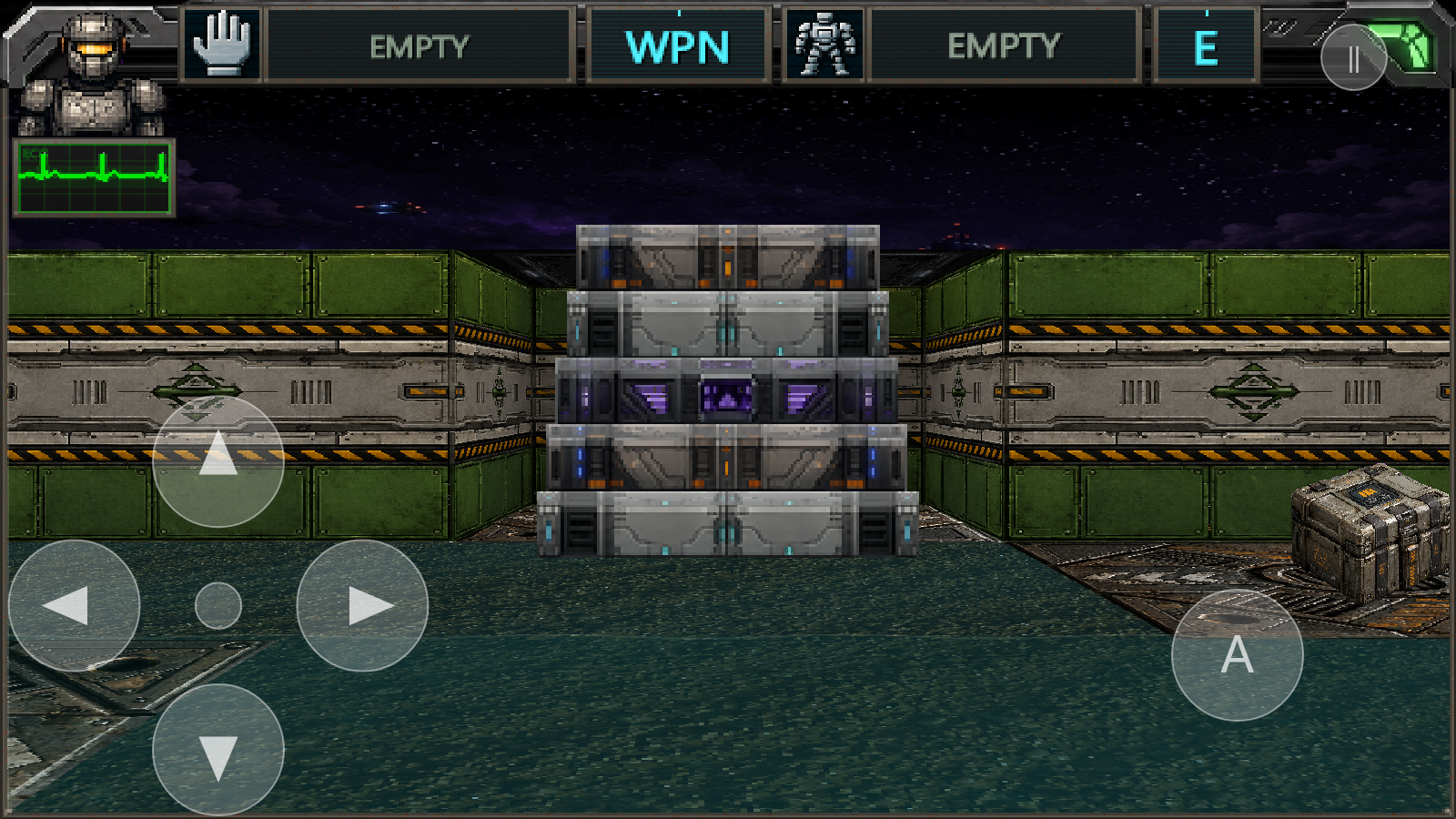
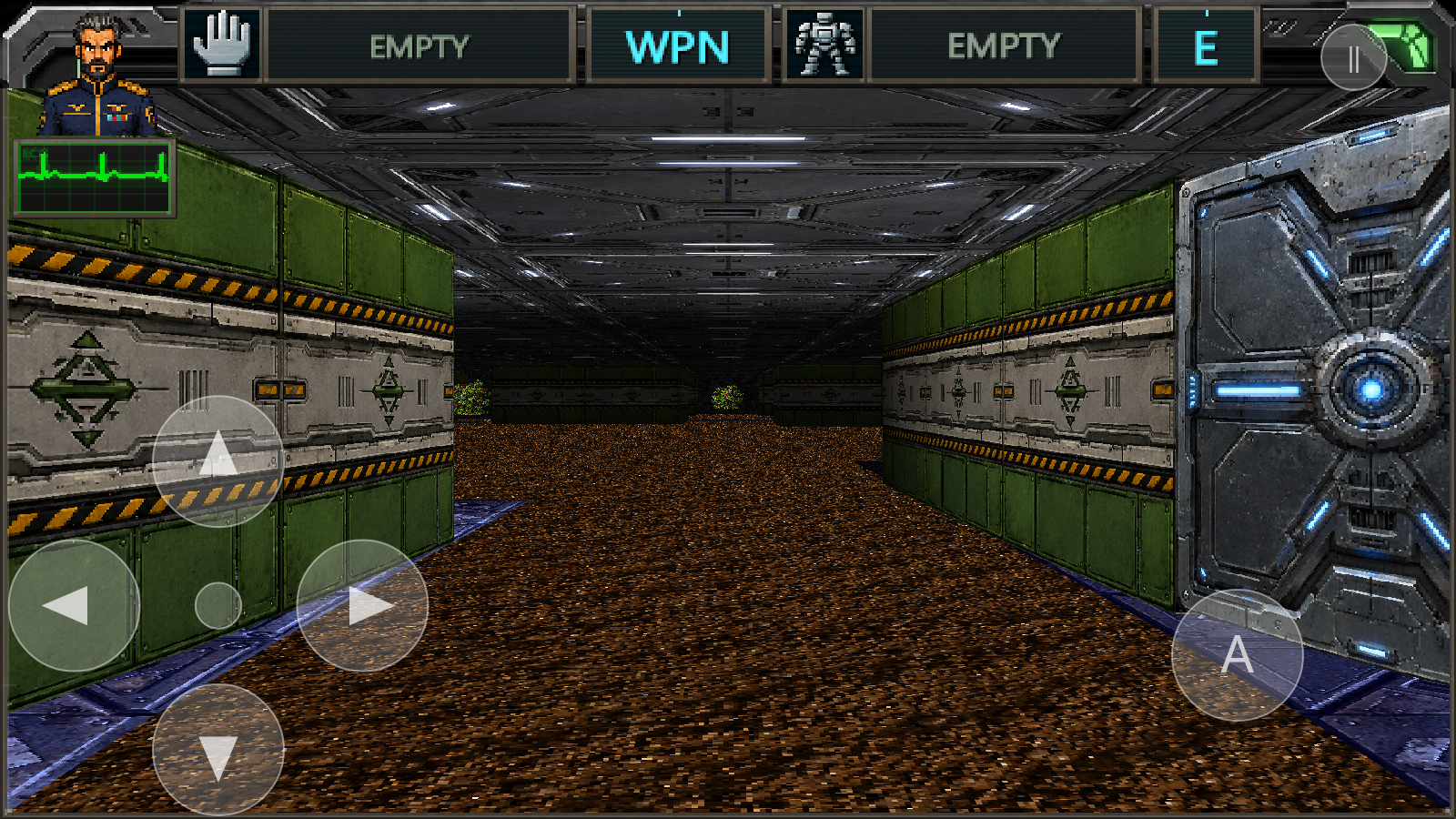
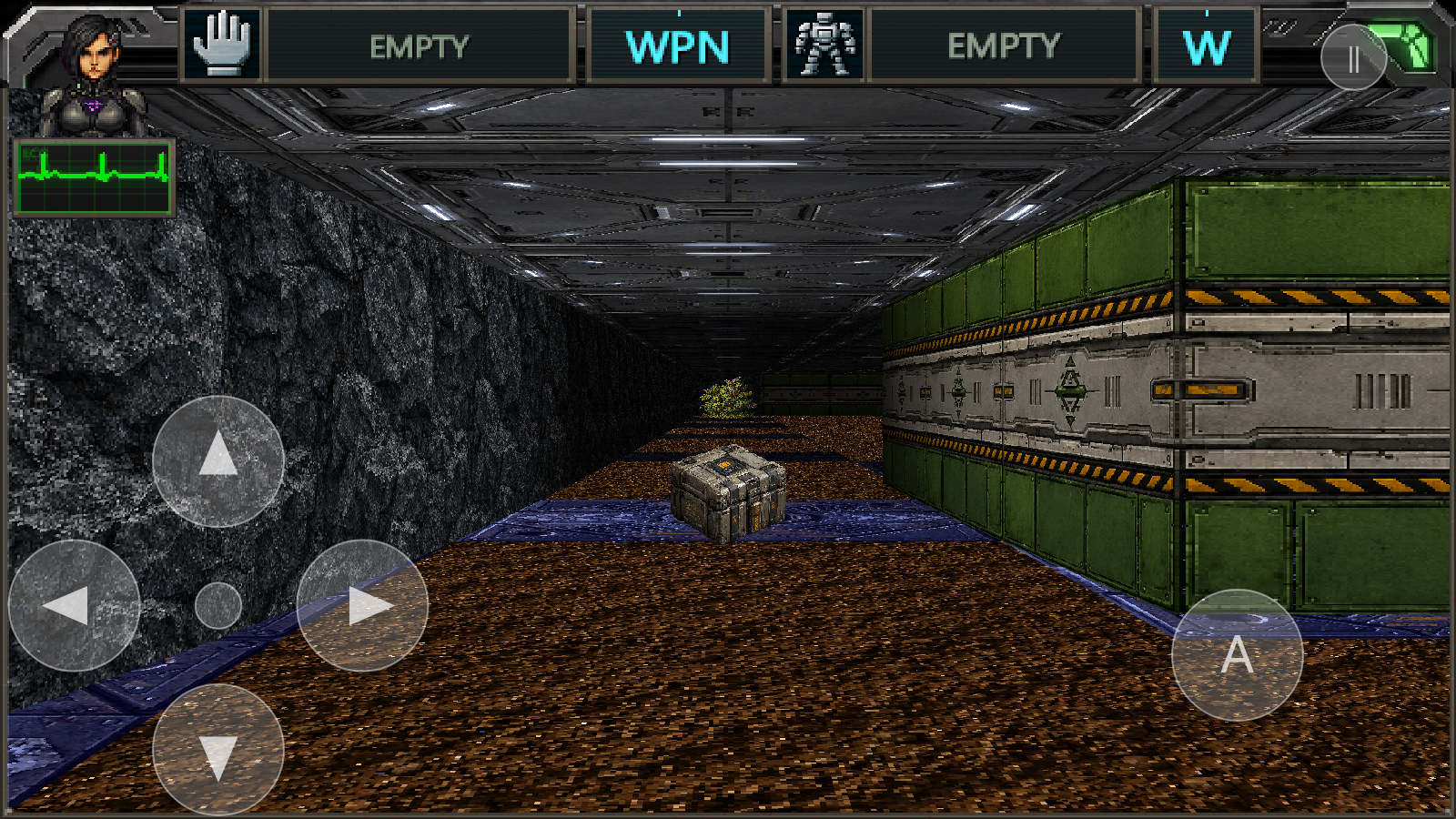
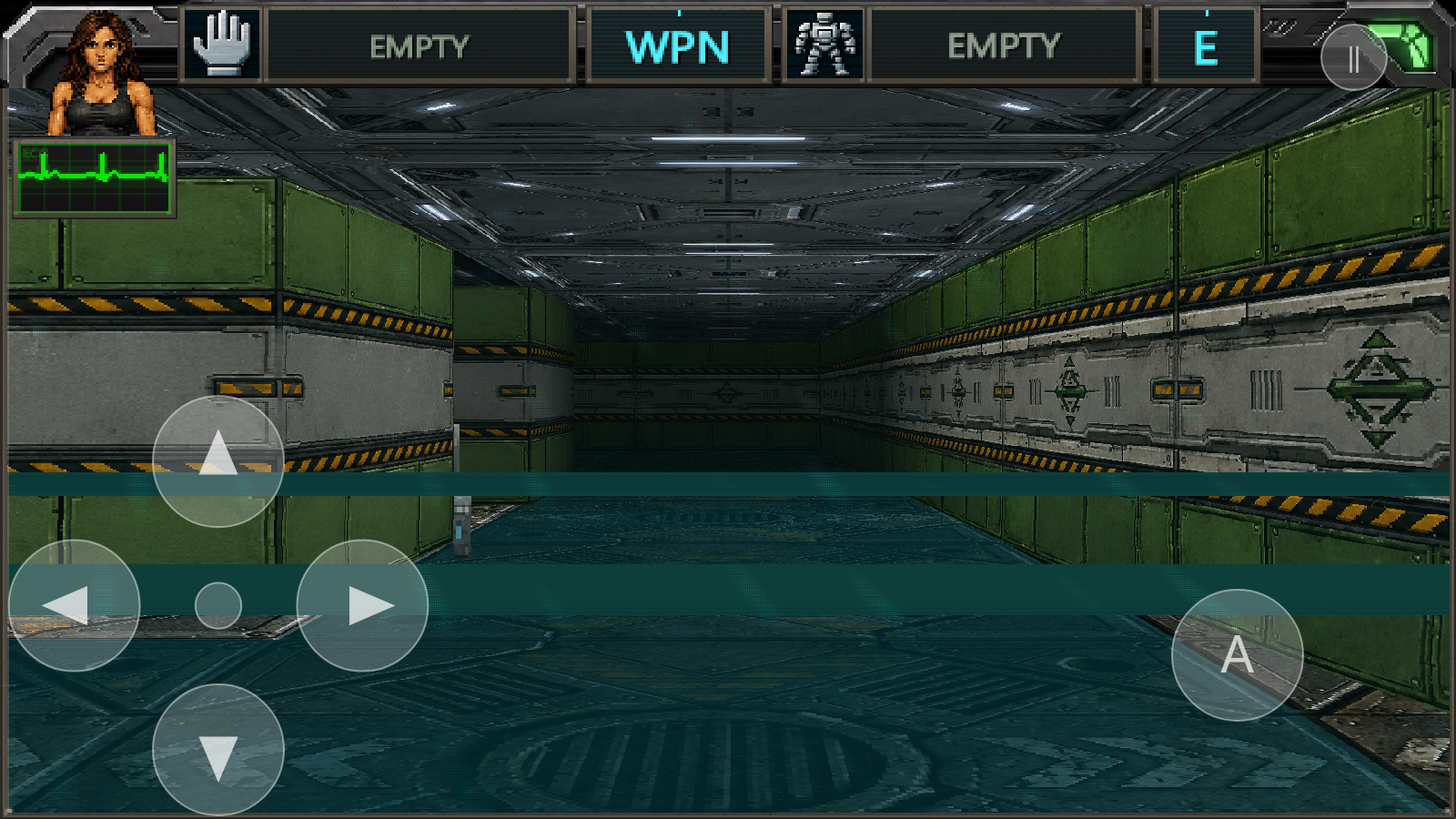
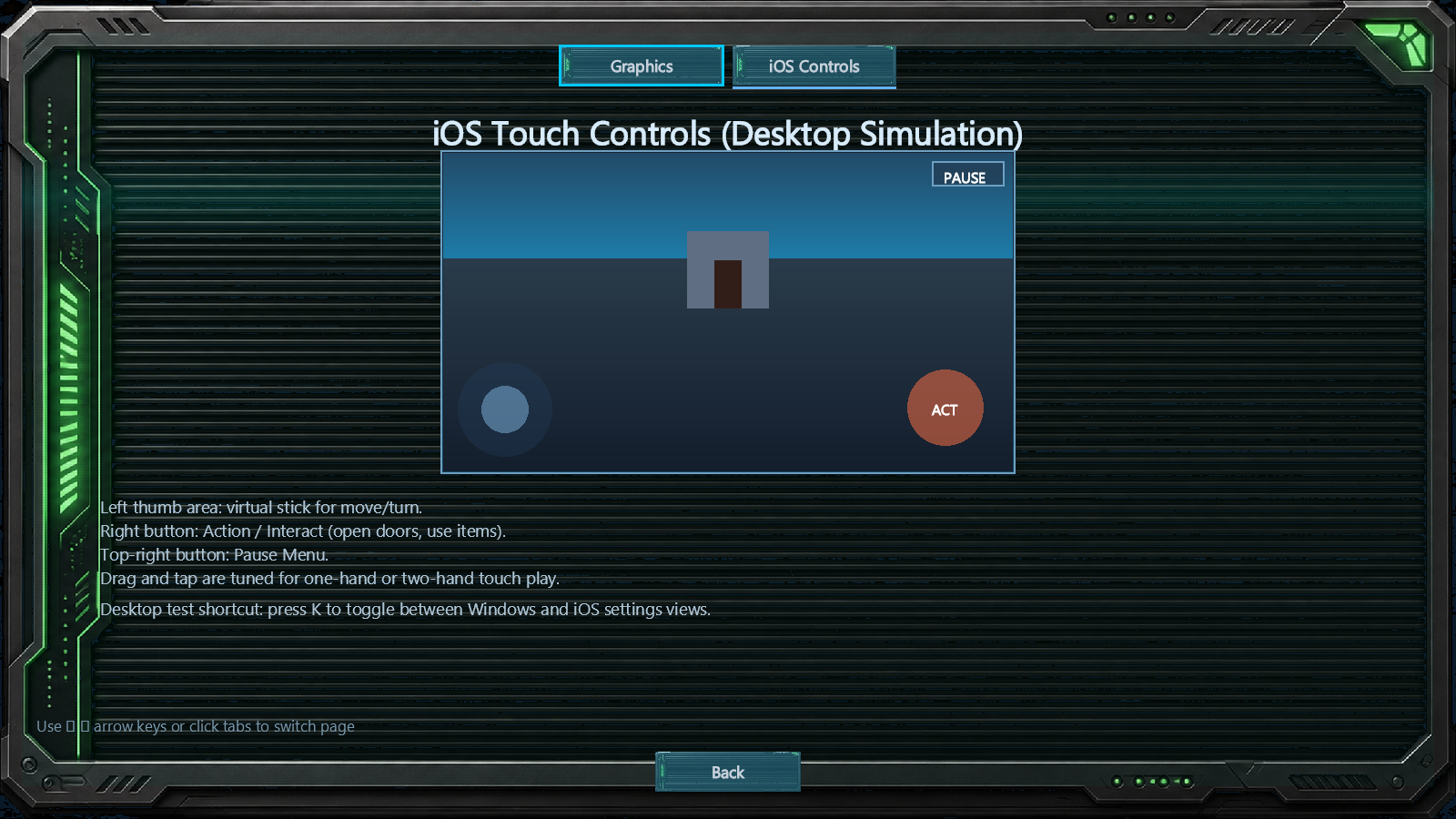
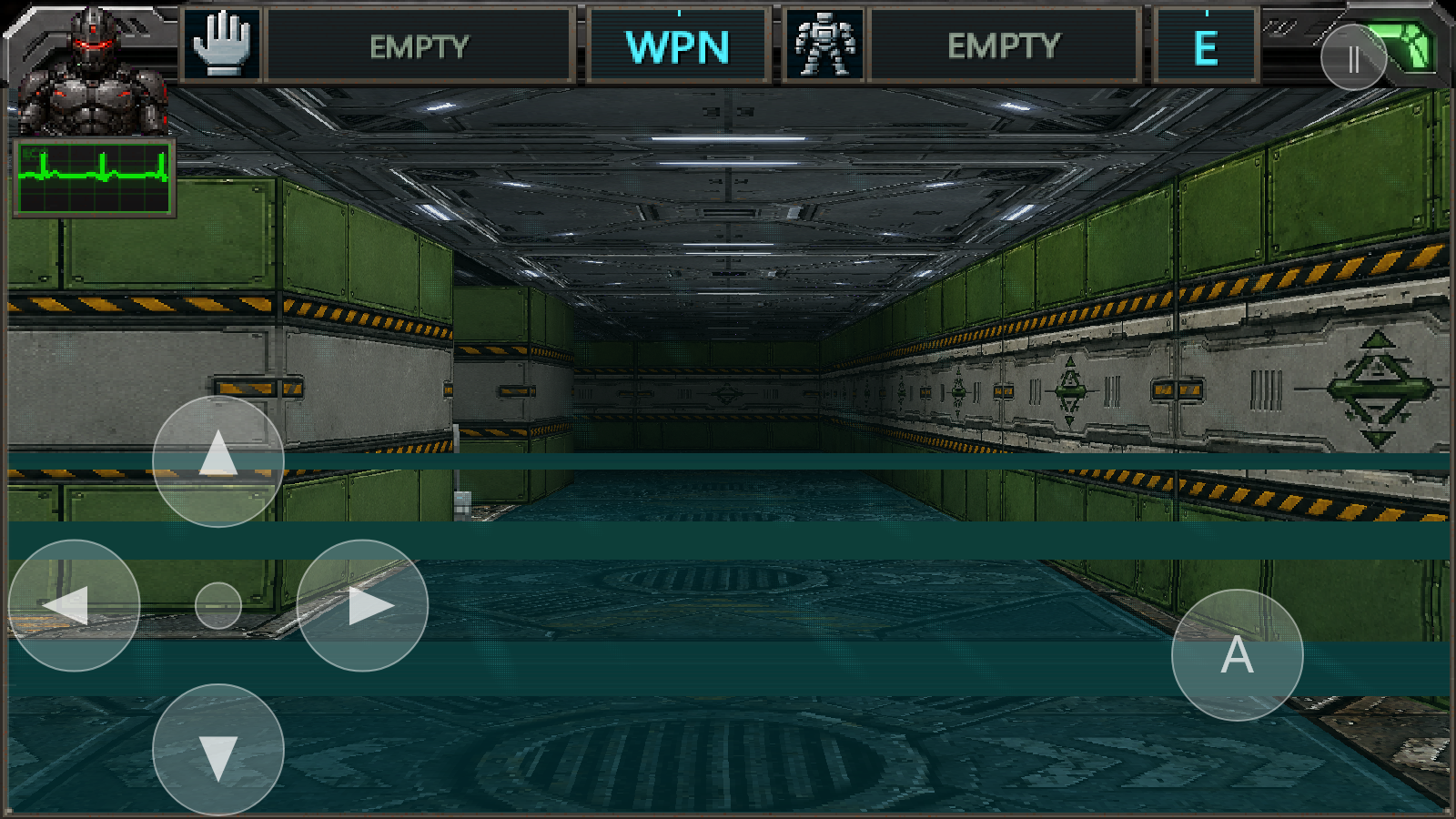
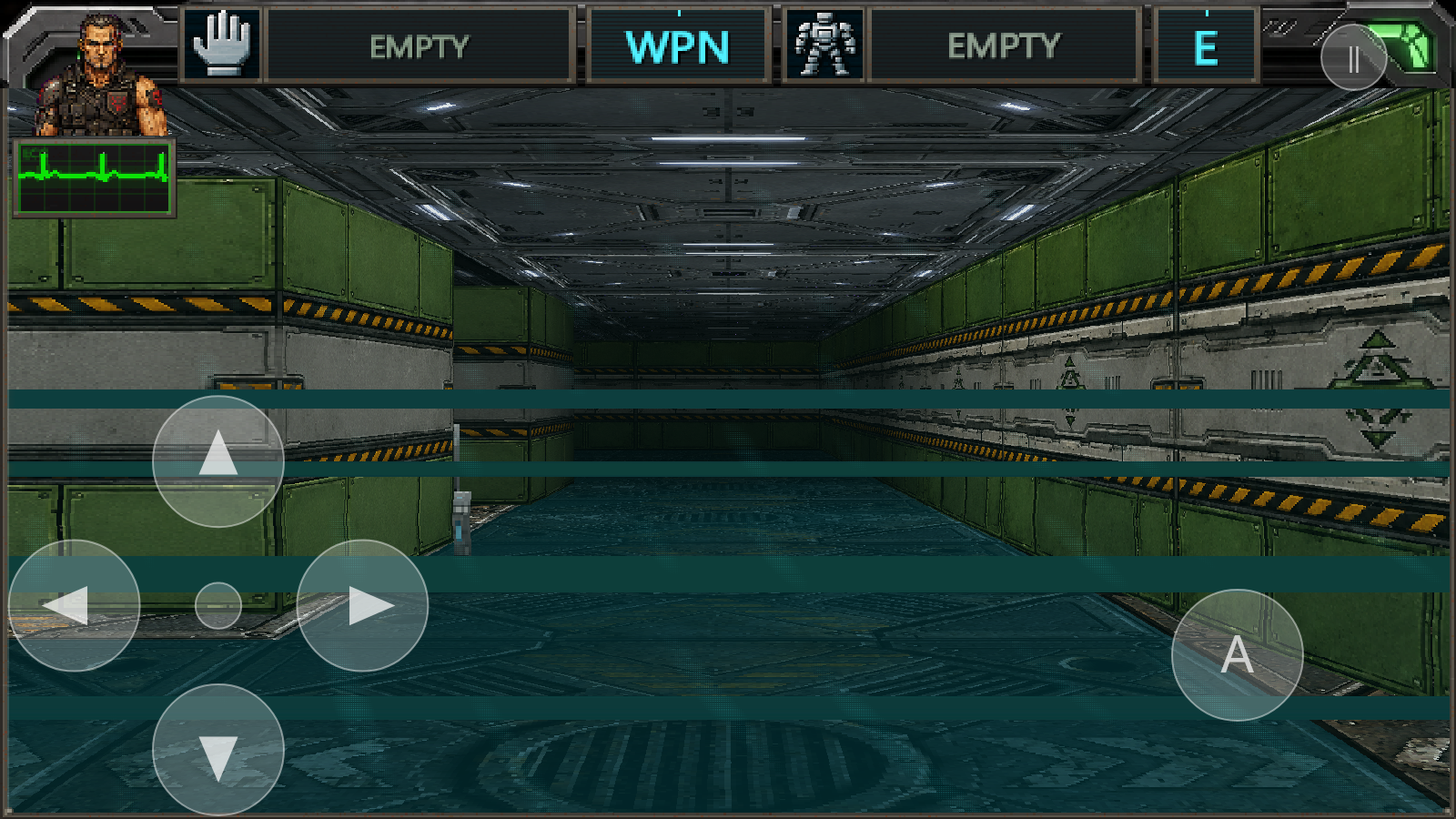
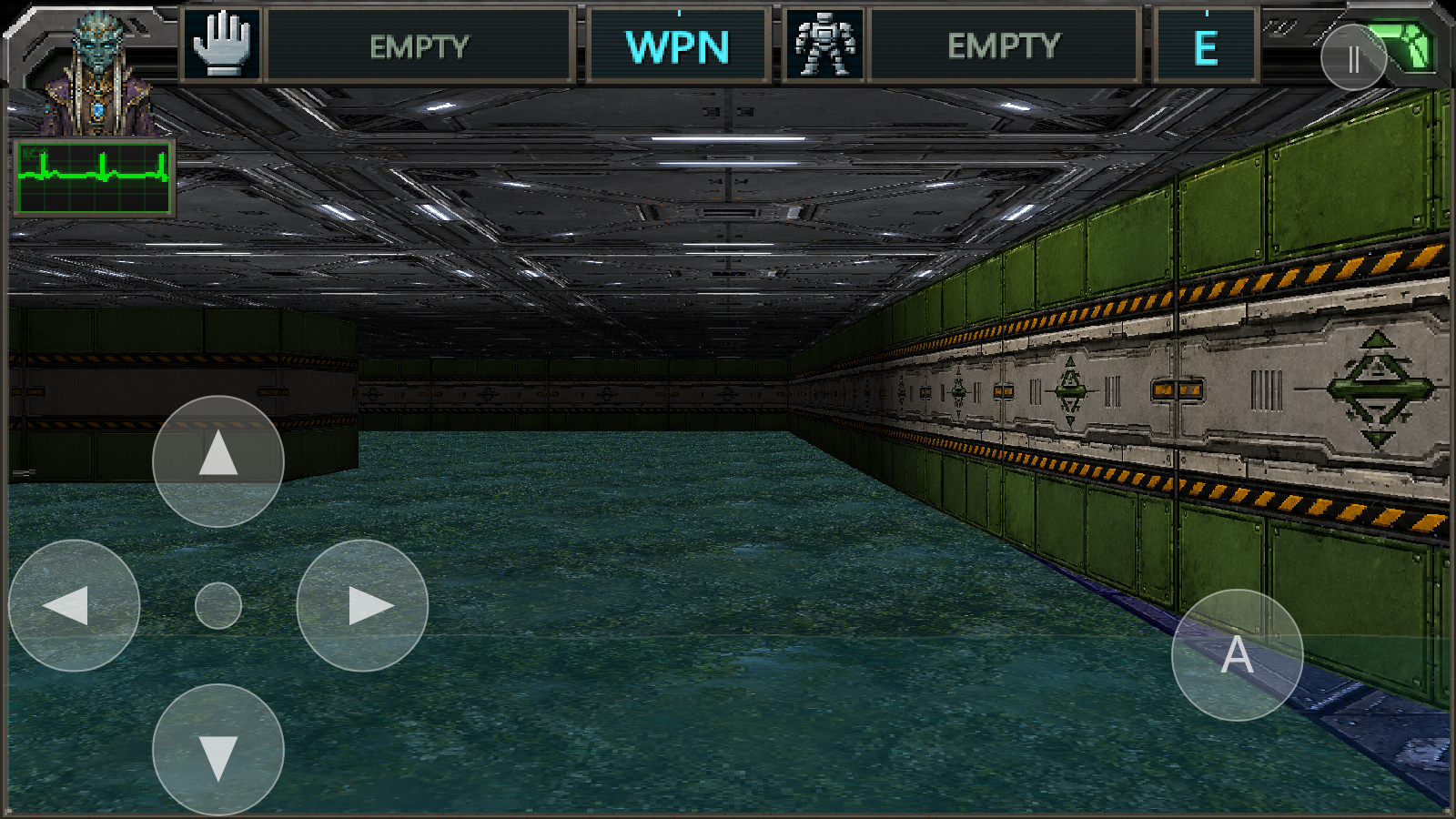
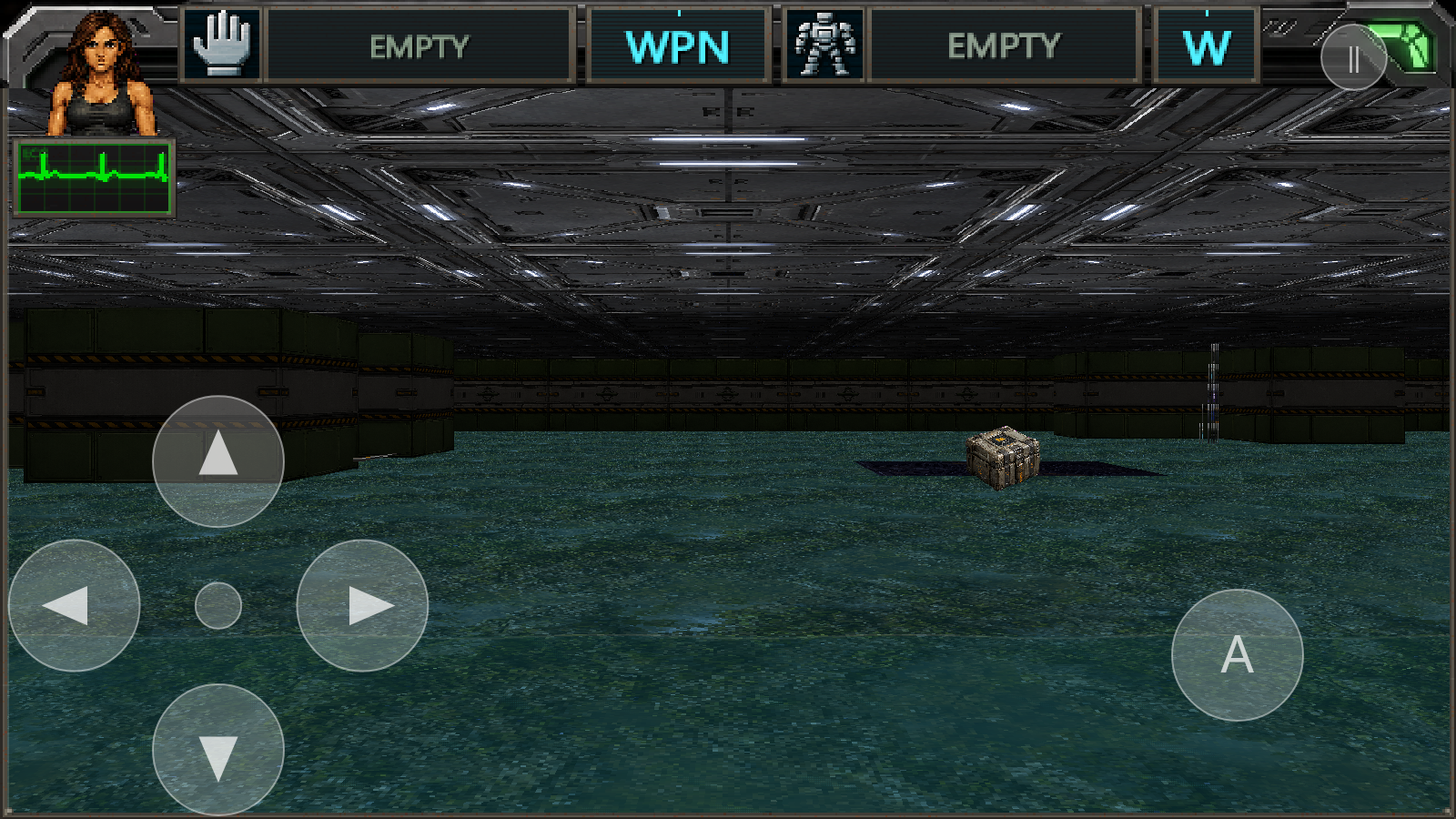
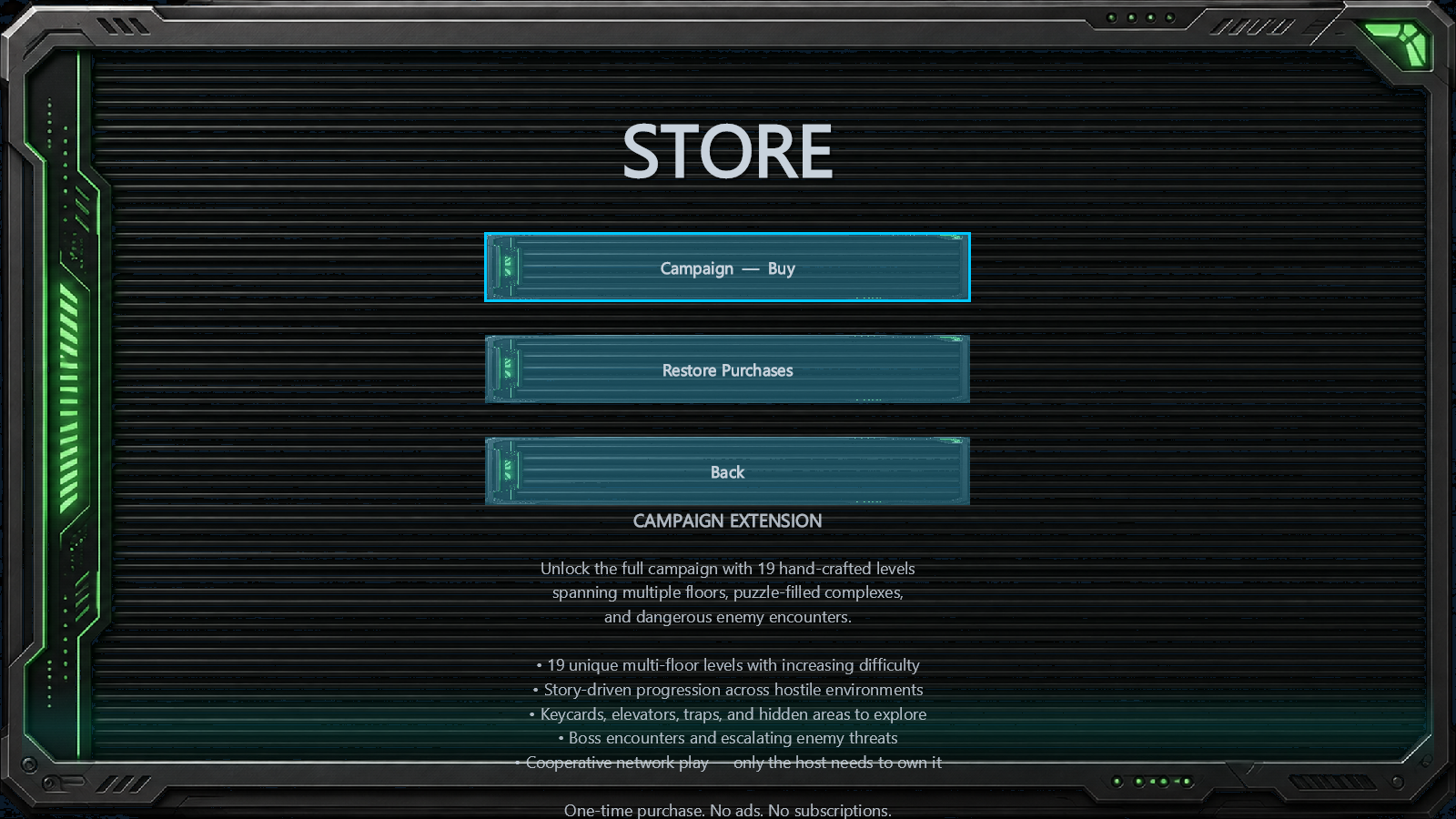
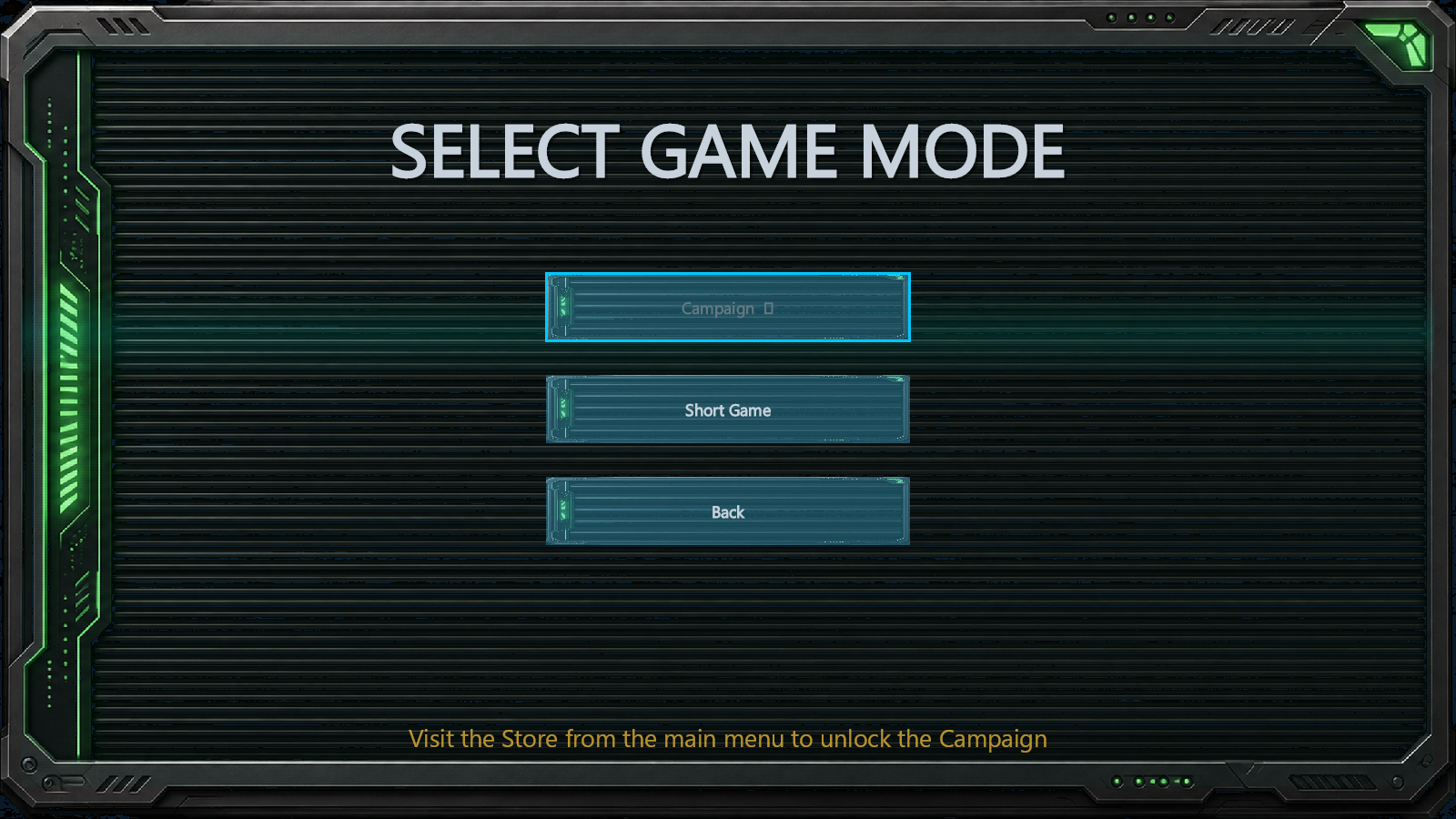
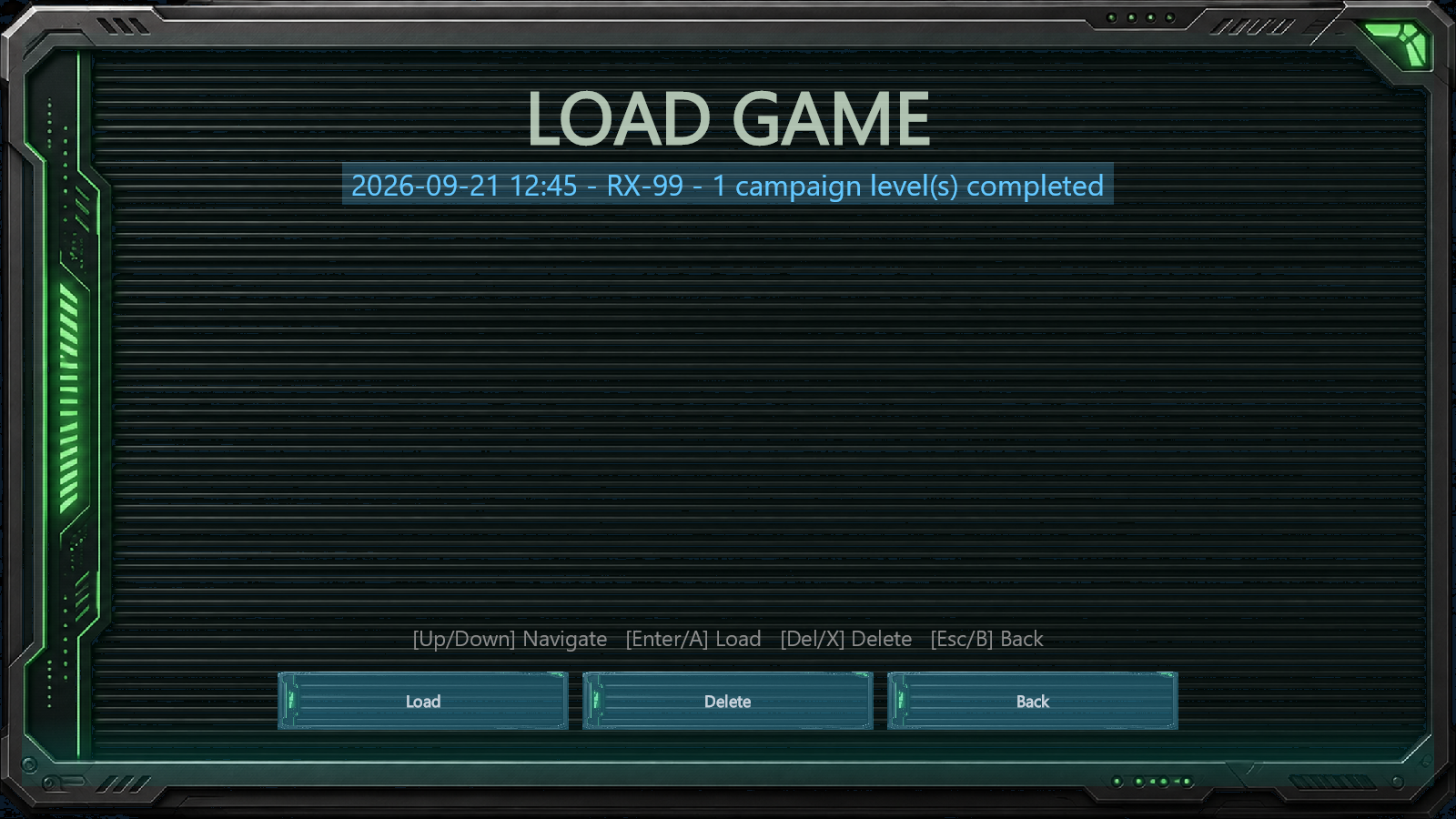
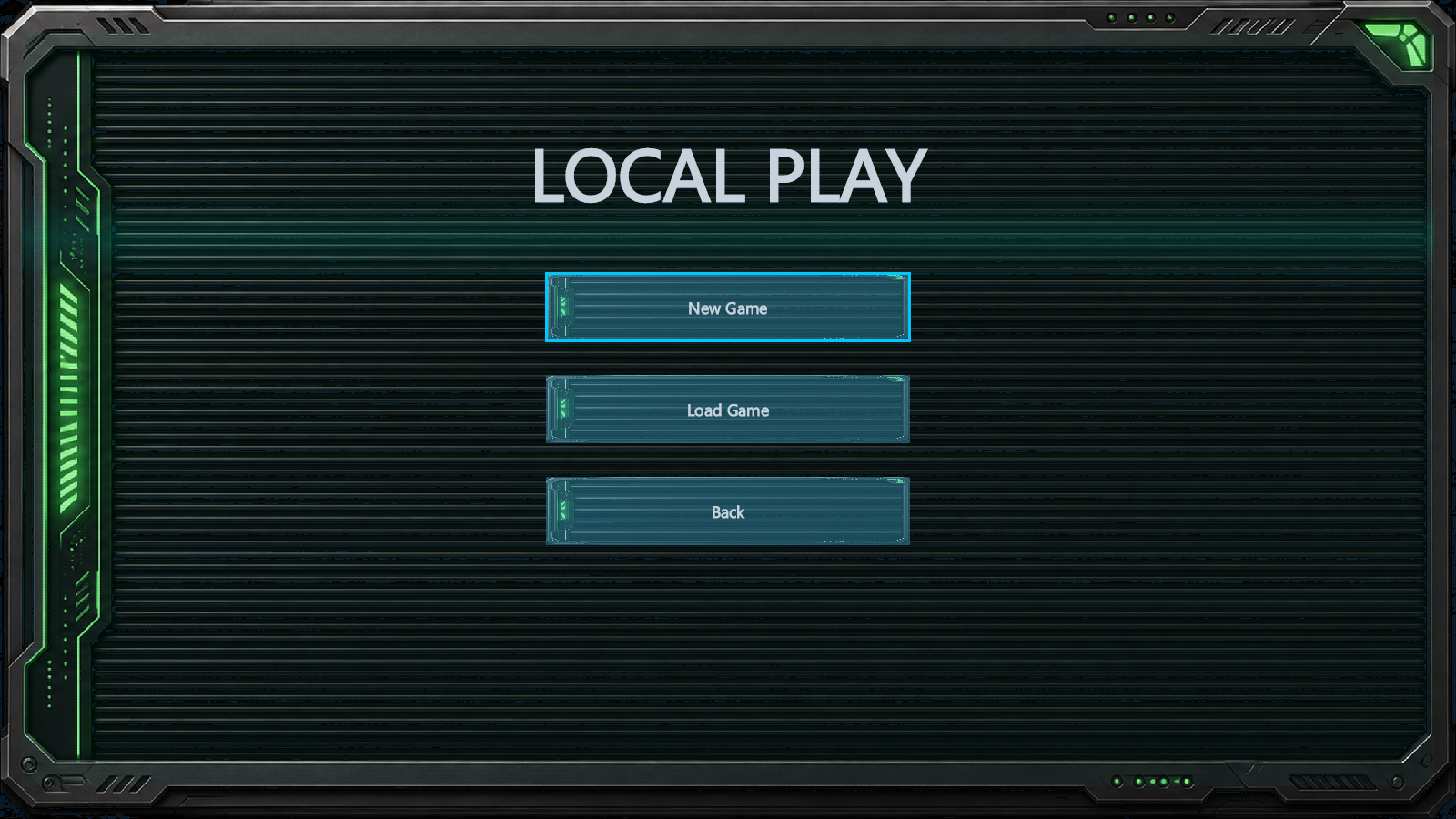
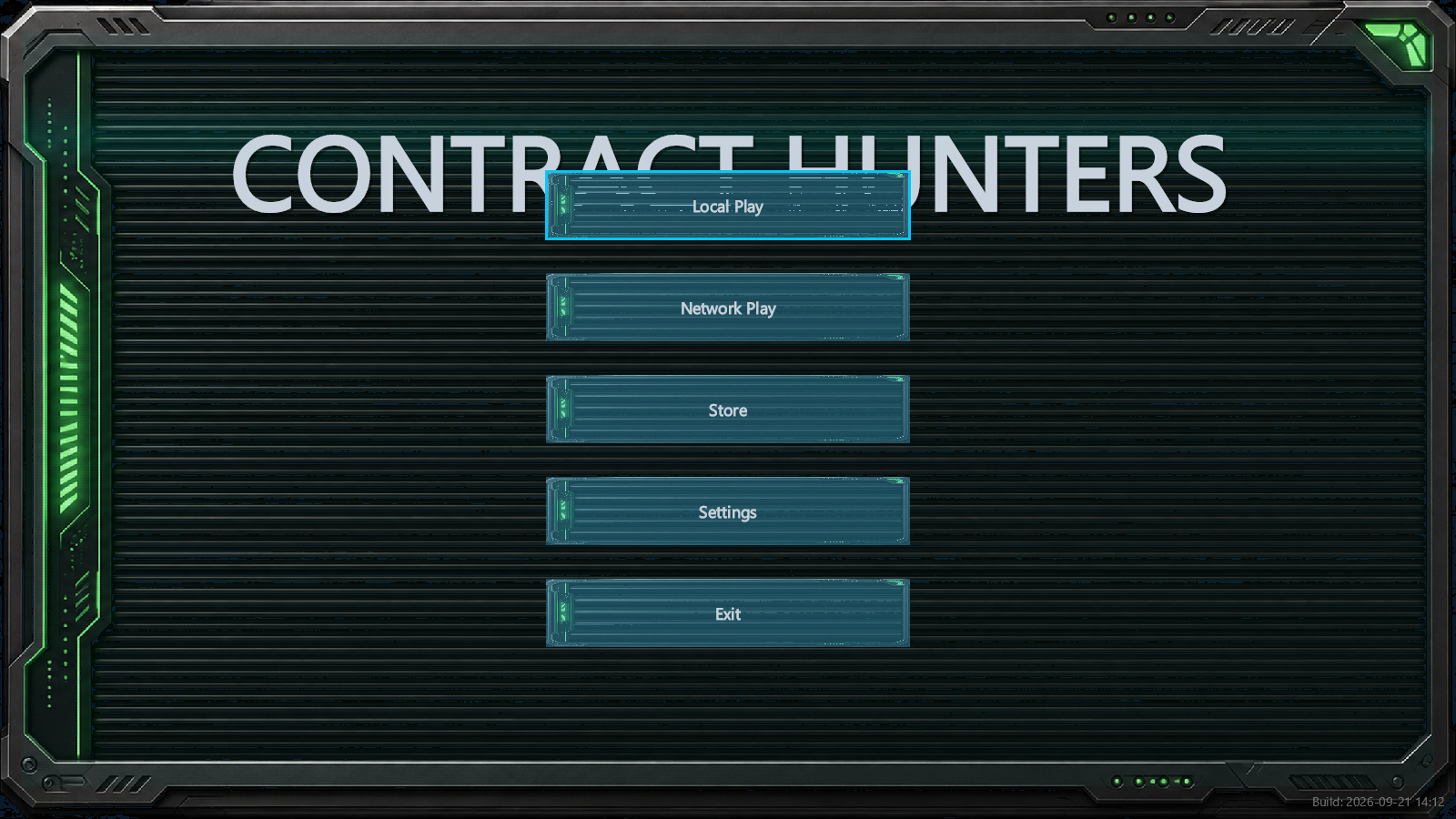
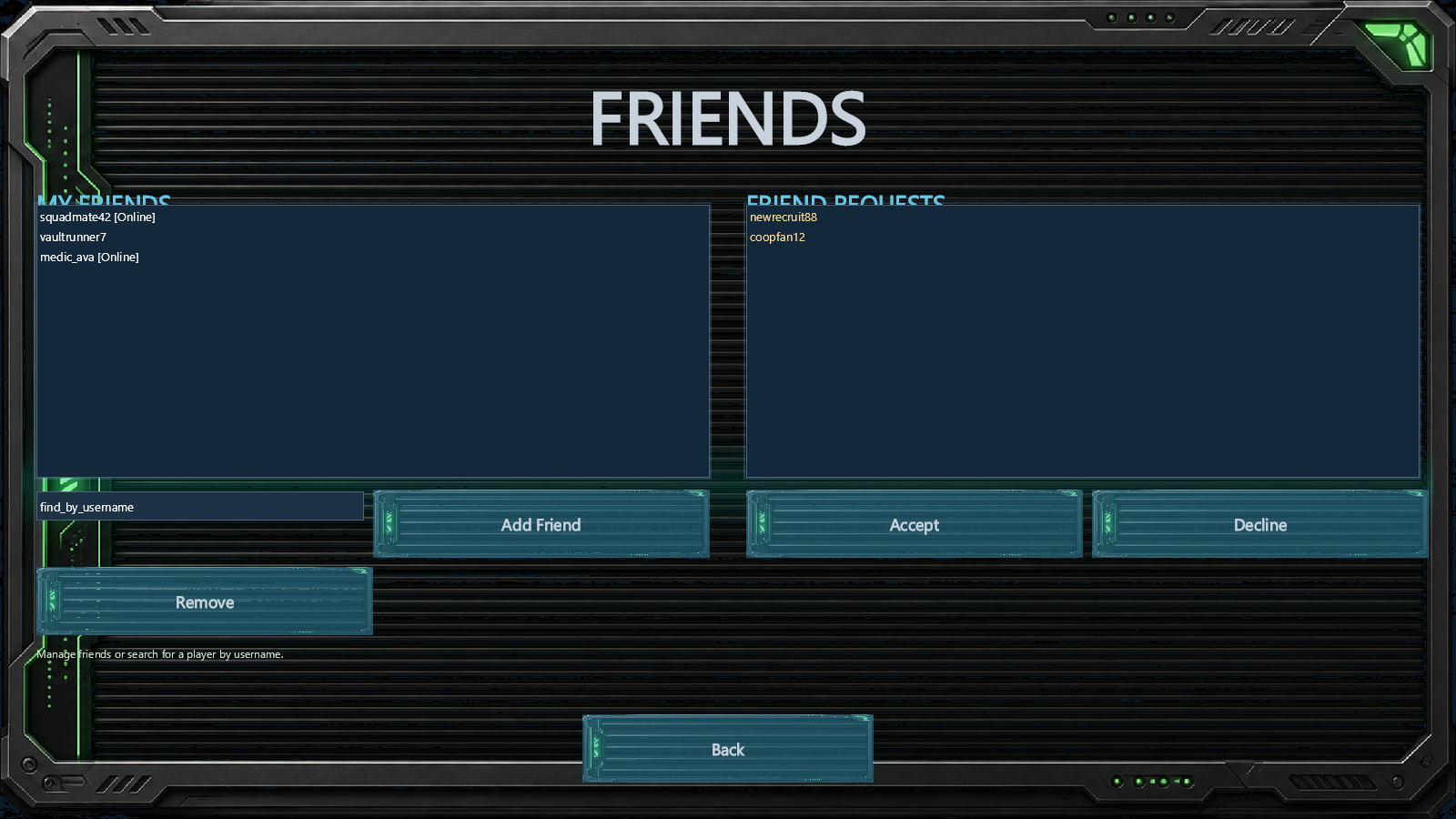
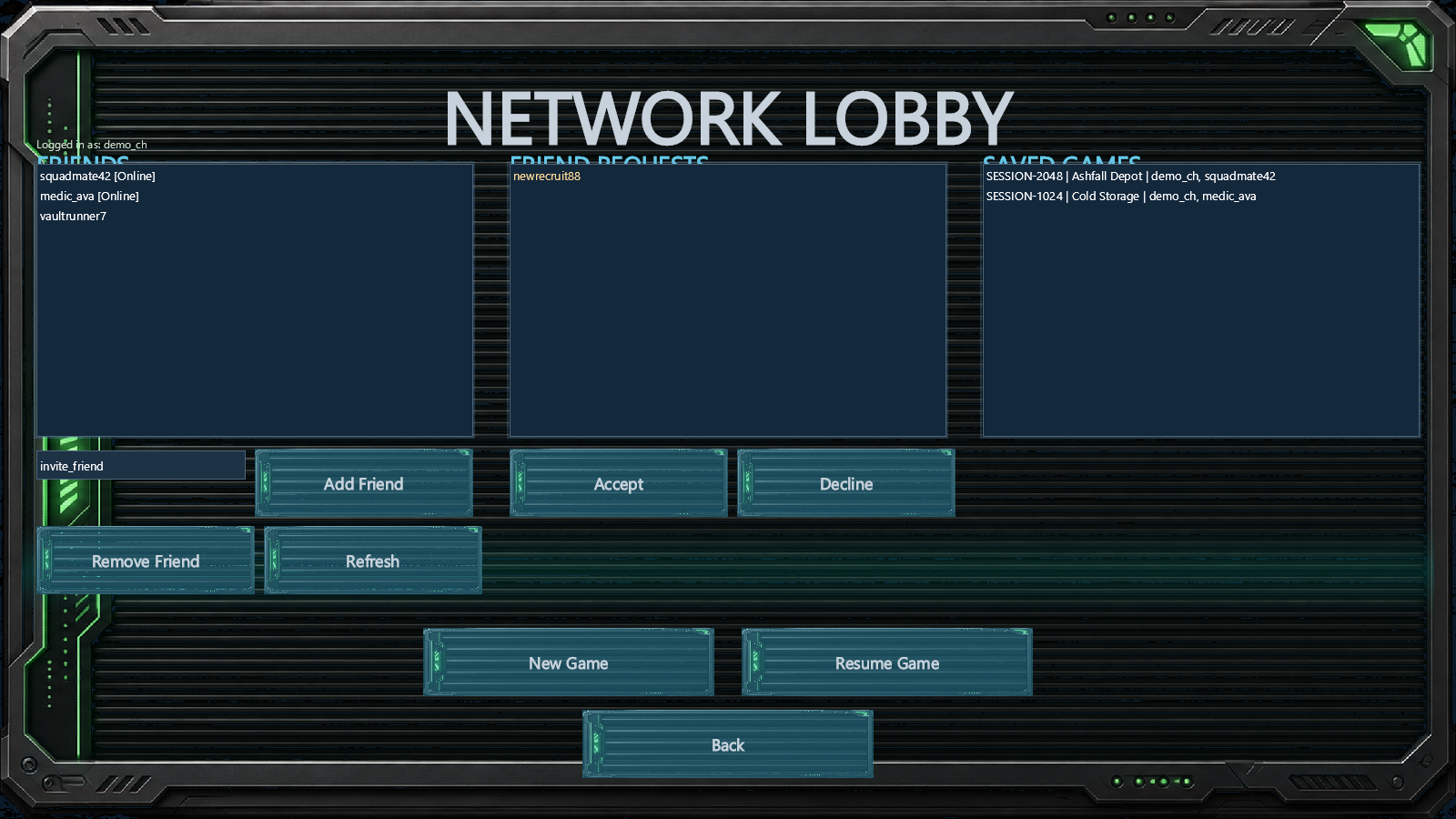
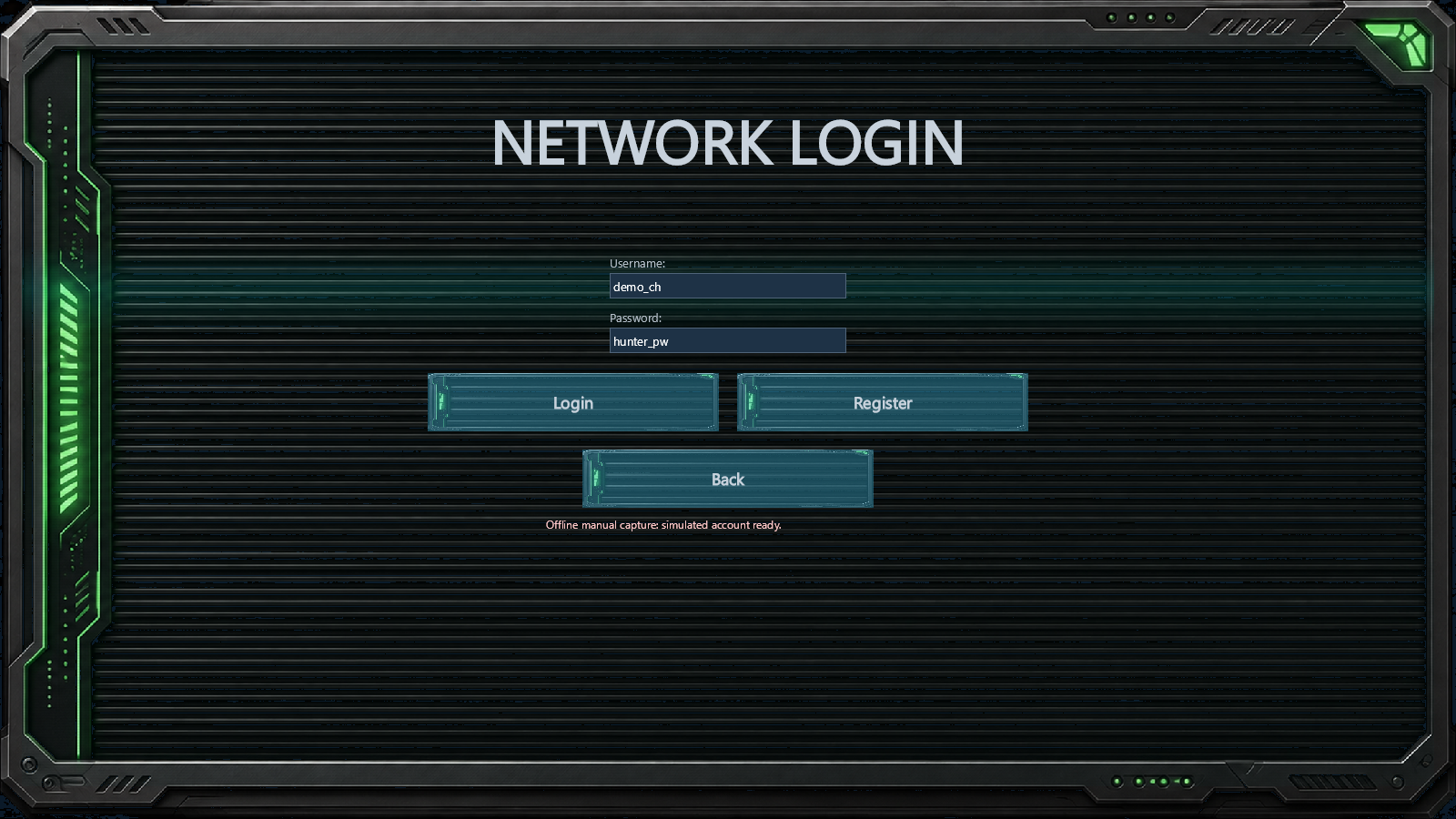
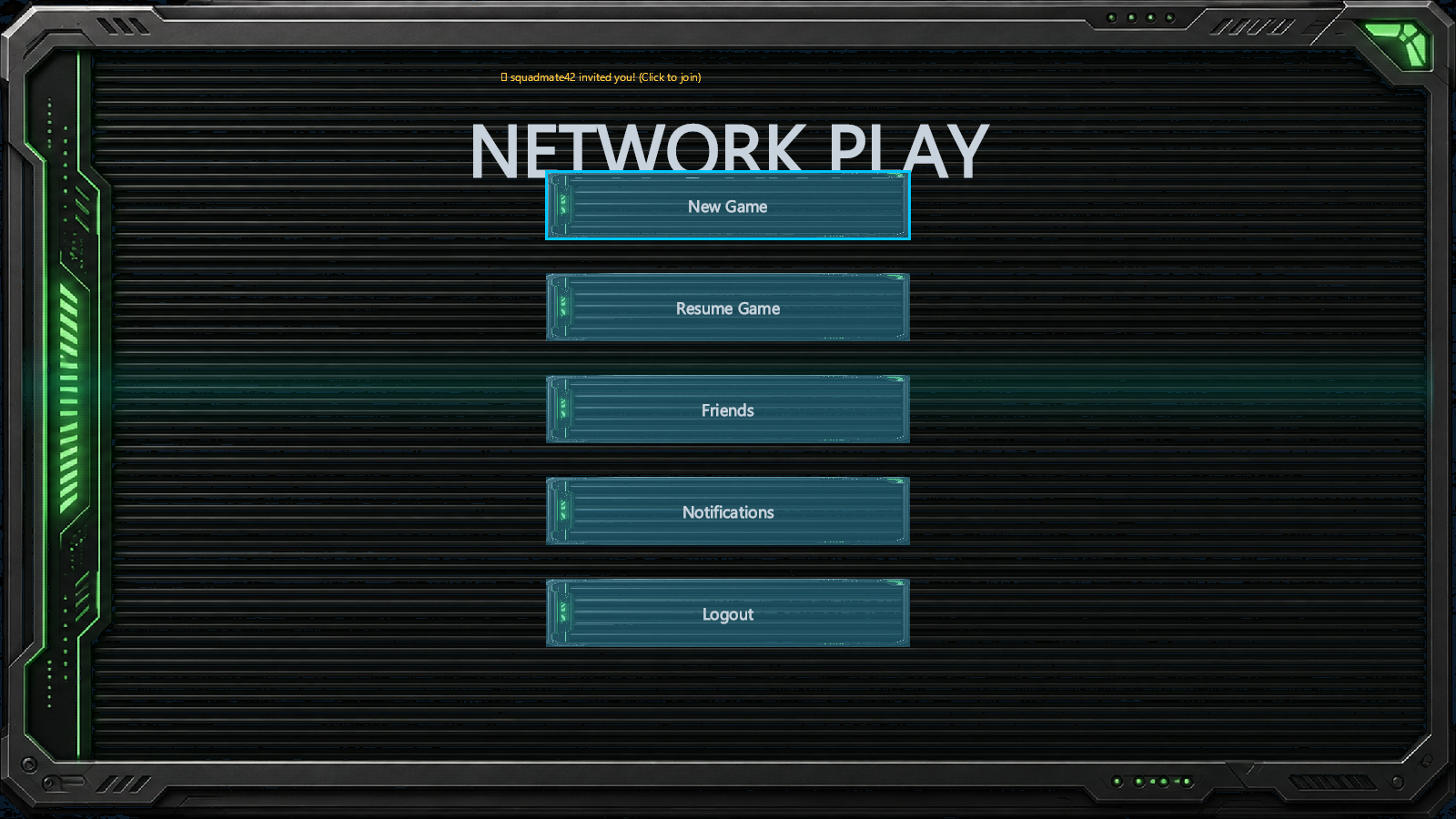
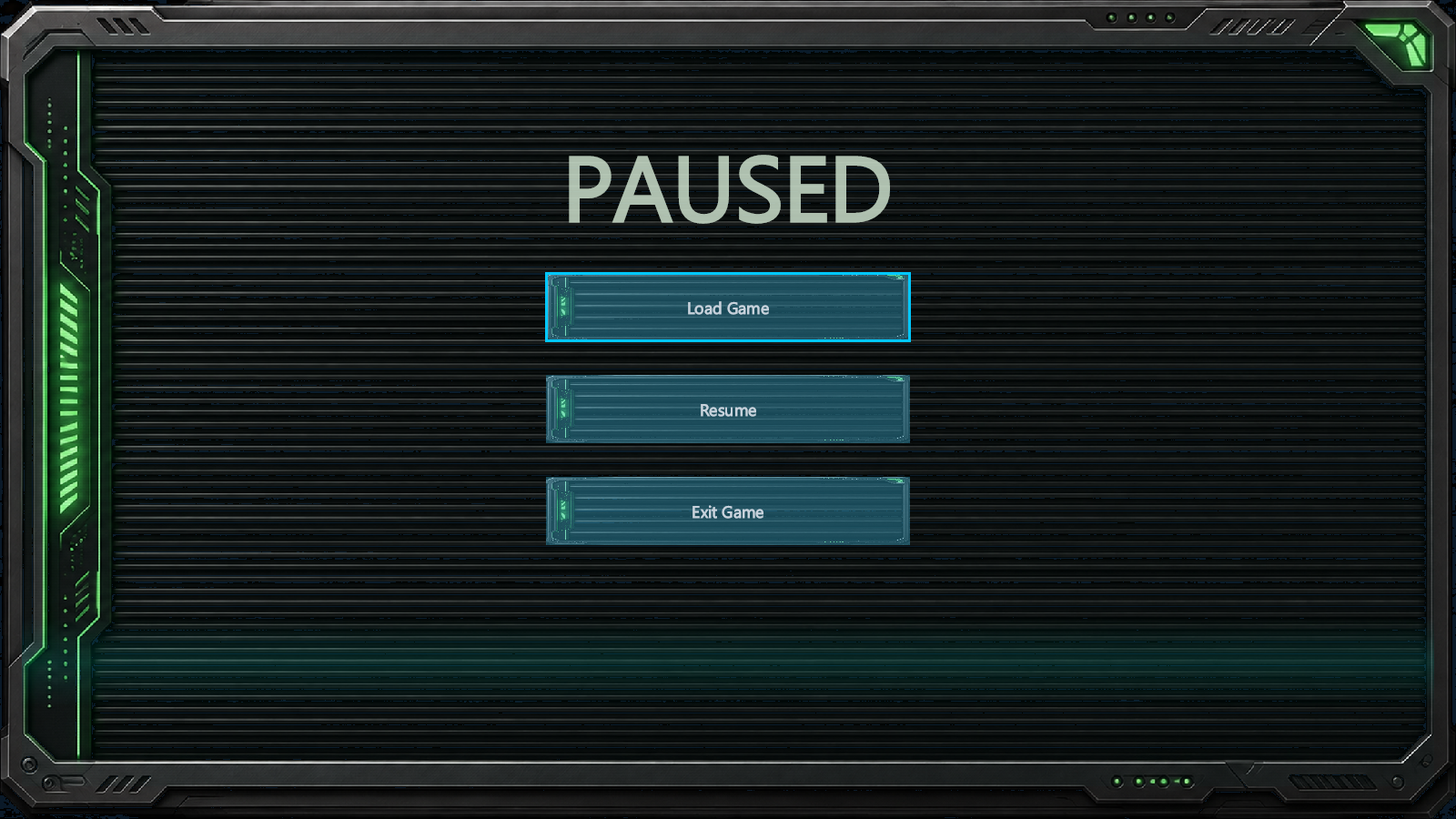
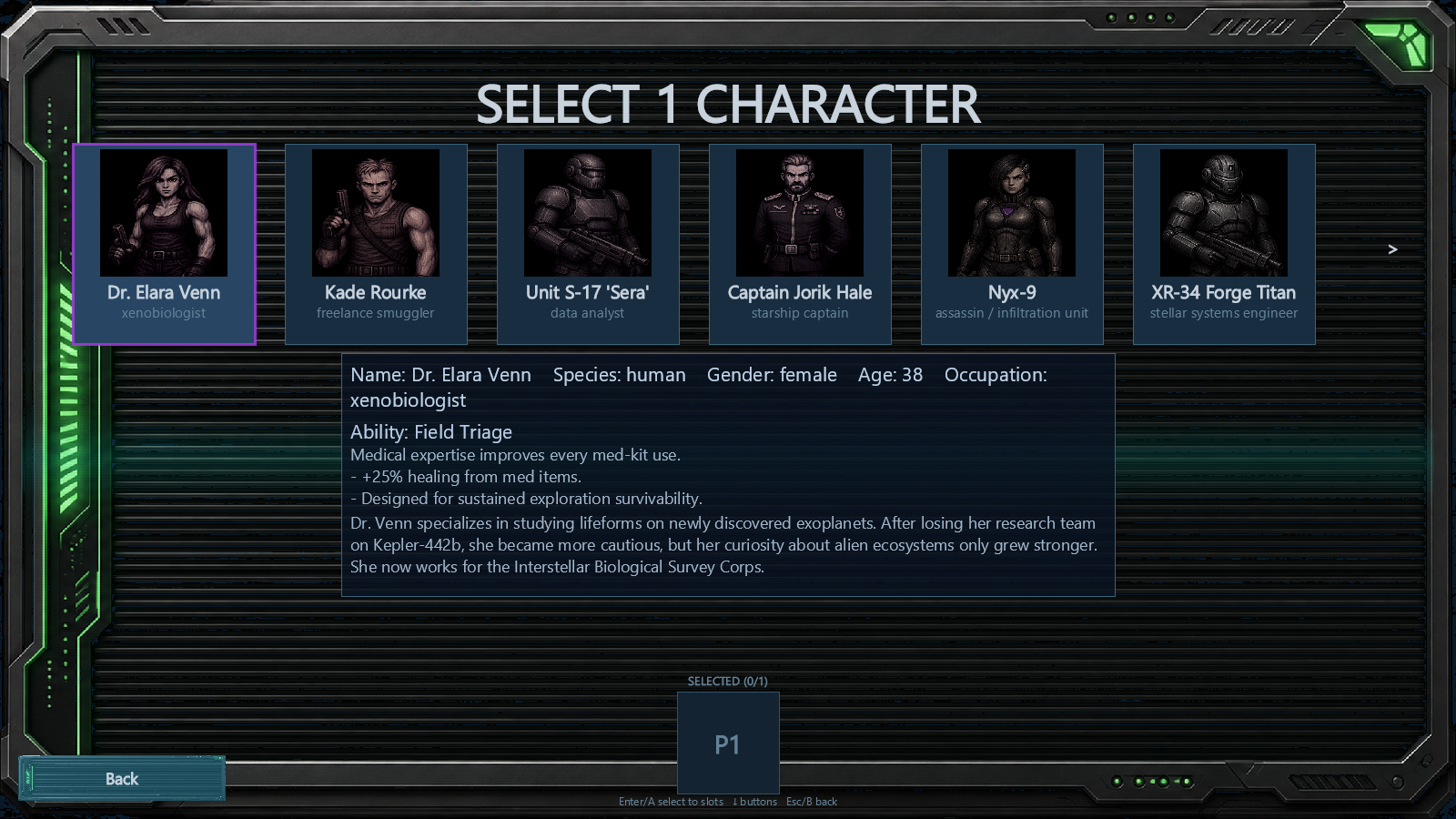
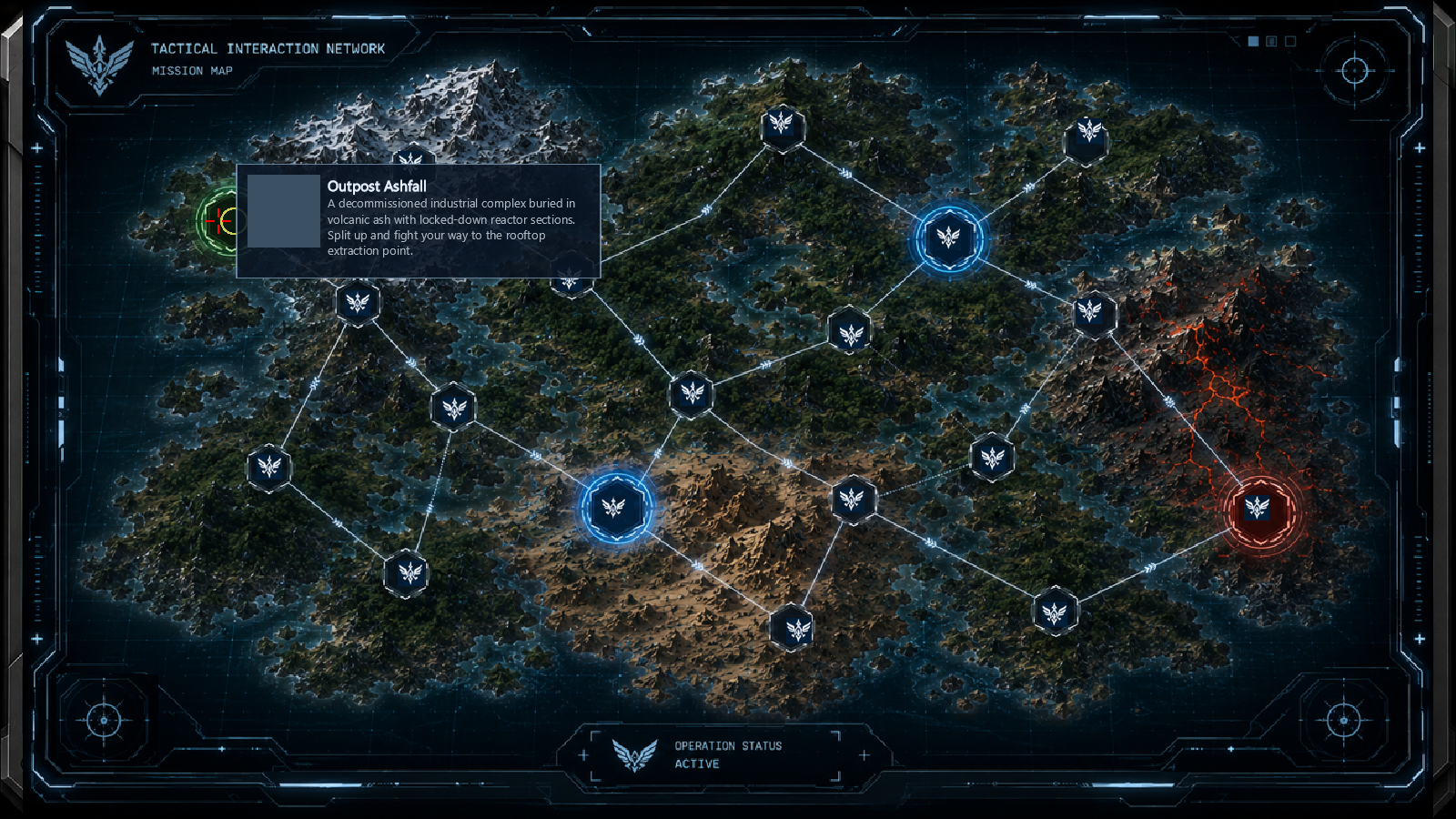
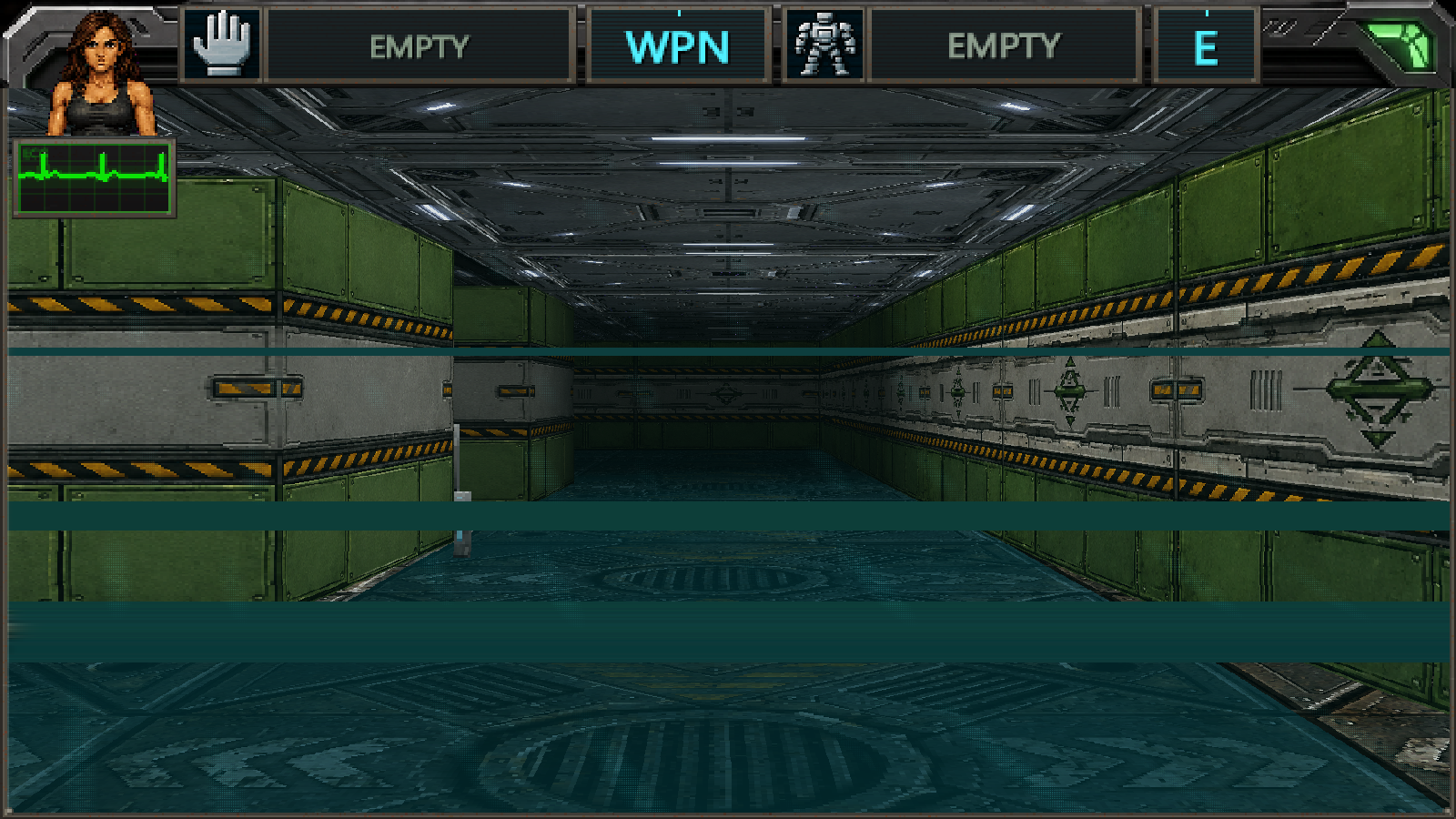
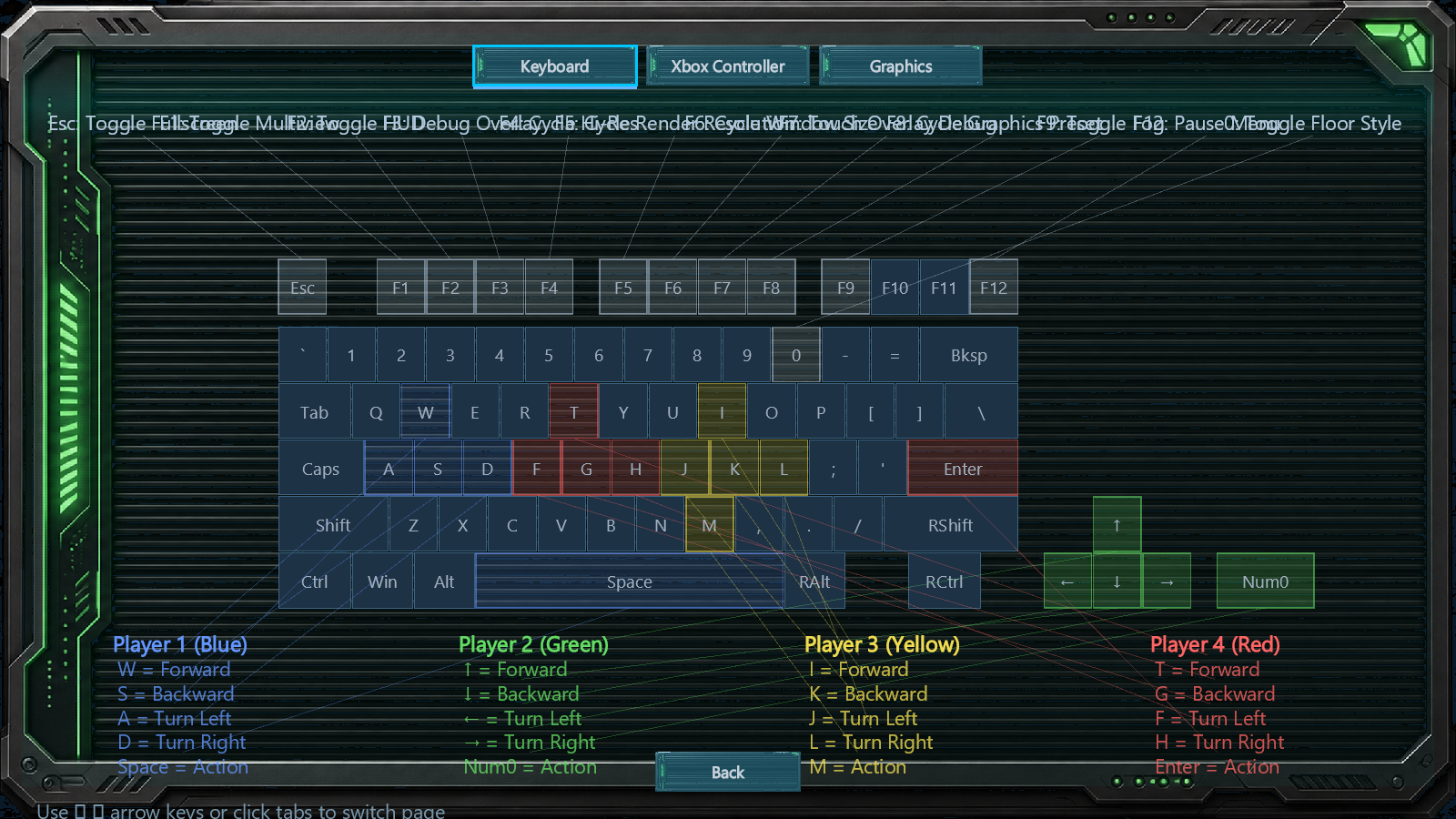
Gameplay and menu captures from the Windows and iOS builds. View all screenshots →
Contract Hunters Support
Having trouble with the game? Contact us at:
info@epotec.se
Epotec systemutveckling AB
Sweden